Private iPhone vault

Private Album for photos, videos, and web saves

Keep sensitive media in a locked local space, organize it into albums, and save images from the web without sending your private library to a cloud account.

A private album that behaves like a real album

Private Album focuses on the everyday moments that make Apple Photos' Hidden album feel too shallow: organization, lock behavior, web saves, and local transfer.

Lock private photos and videos behind a separate space

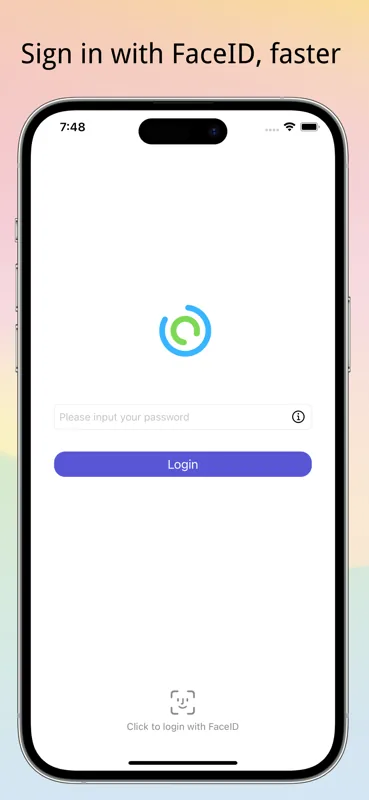
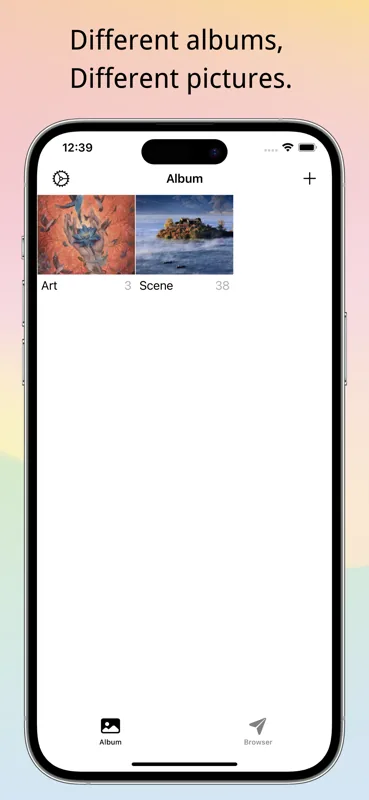
Create private albums, import photos, videos, and GIFs, then unlock the app with Face ID, Touch ID, or passcode. The vault locks automatically when the app loses focus.

Private Album interface showing a locked local photo and video vault

Save from a private browser, then move locally

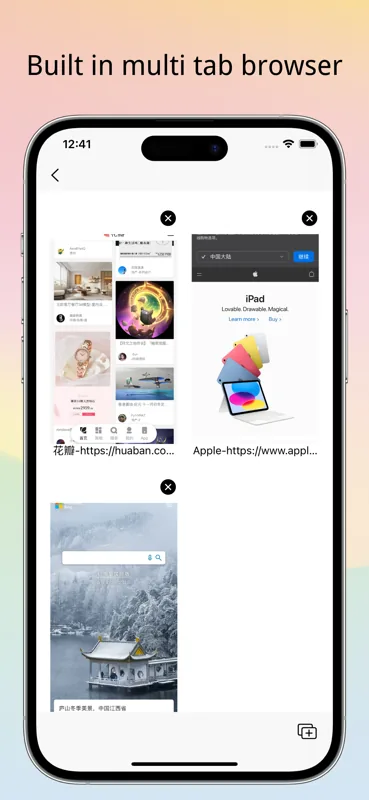
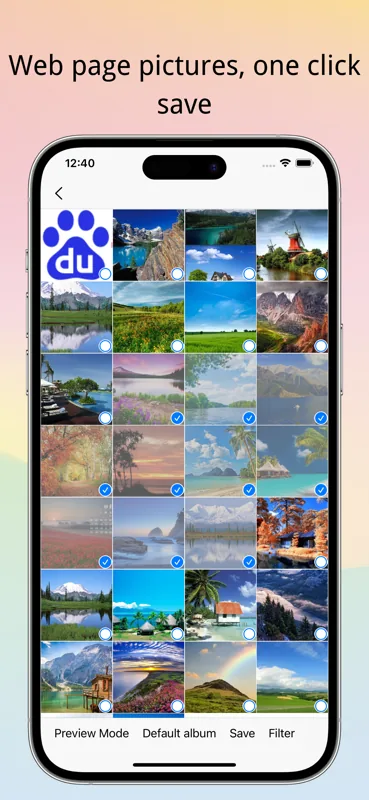
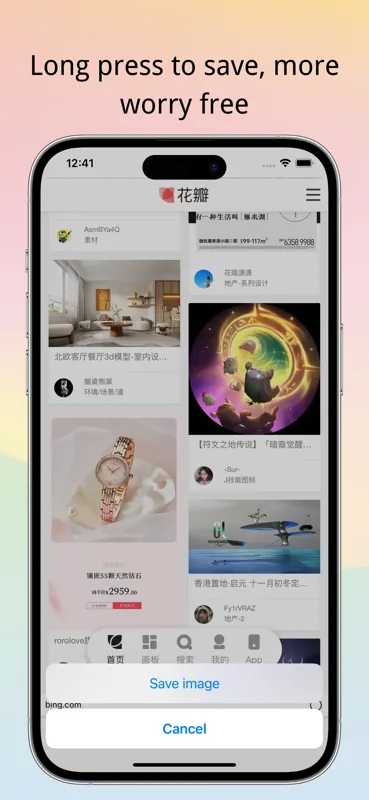
The built-in multi-tab browser lets you save web images directly into Private Album. Local backup and transfer tools help you move data without turning the app into a social cloud service.

Private Album browser save and local transfer workflow

How people usually use it

A simple workflow for a privacy vault that stays close to the device.

01

Import or save only what should be private

Pick media from Photos when you need it, or save web images directly from the built-in browser into a private album.

  • Photos access stays under iOS permission control
  • iCloud originals may need to download before import
Open App Store
02

Organize by album, format, or situation

Use separate albums for photos, videos, GIFs, travel documents, repair-shop handoff, or anything you do not want appearing in the main Photos library.

Private Album is designed for private organization, not social sharing.

03

Lock, disguise, and recover deliberately

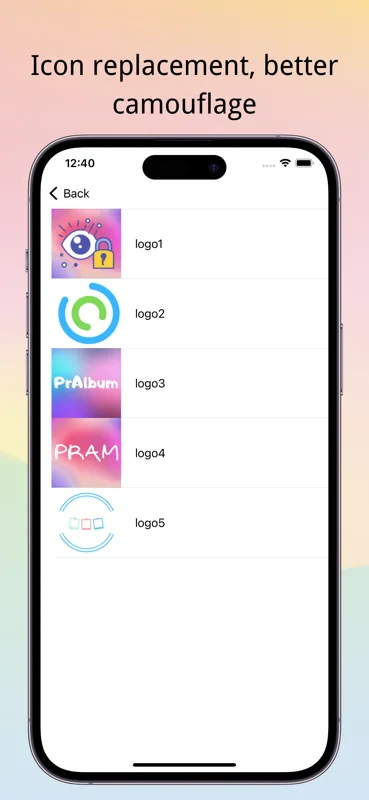
Face ID, passcode, camouflage mode, shake lock, intrusion reports, and local backup tools help you keep control without relying on an account login.

If an import seems stuck, check whether iCloud Photos is asking for an Apple ID password to download the original.

Get help

Built around local privacy habits

The app is intentionally practical: lock, organize, import, browse, and move data without making your private album a feed.

Local-first storage

Private media is designed to stay on the device instead of being uploaded to a private cloud account.

Read privacy details

Face ID and passcode

Unlock quickly with biometrics, or fall back to passcode when the system requires it.

See FAQ

Camouflage mode

Use a different entry mode when someone else is nearby or borrowing your phone.

See FAQ

Private web saves

Browse with multiple tabs and save favorite web images directly into the vault.

See workflow

Photos, videos, and GIFs

Keep different media formats together instead of treating videos as an afterthought.

See features

Intrusion reports

Review failed unlock attempts so you know when someone tried to open the vault.

See privacy controls

Useful when the phone leaves your hand

Private Album is for the small, realistic moments when 'just hide it in Photos' is not enough.

Handing over your phone

Let a friend, child, or colleague use your phone without exposing private albums in the main library.

Everyday privacy
Learn more

Repair and service visits

Move sensitive screenshots and media out of sight before a device check or screen repair.

Practical control
Learn more

Collecting web images

Save images from the browser straight into the private vault instead of round-tripping through Photos.

Fewer steps
Learn more

Avoiding another cloud account

Keep a private album app focused on local storage and simple paid unlocks, not subscriptions and feeds.

Local-first
Learn more

What users say

People call out faster web image saving, practical everyday use, and helpful ideas for import, export, and album organization.

"The built-in browser saves many steps when collecting web images, especially for people who organize pictures often."

T

tinna520

App Store user

"Saving images directly from the web into the private album is a clearly valued workflow, and users called out how convenient it feels."

B

brsst

App Store user

"The core experience was described as useful, with a request to optionally delete original Photos items after importing into the vault."

阿尼亚吃瓜嘛

App Store user

"Overall use was received positively, alongside practical suggestions around keeping photo details during export, refreshing album covers, and import limits."

A

Anvems

App Store user

Frequently asked questions

Quick answers about privacy, imports, iPad support, and purchases.

Does Private Album upload my private photos or videos?

The app is designed as a local-first private album. Media you import is stored on the device. Apple Photos and iCloud may still sync or download originals according to your iOS settings before the app can import them.

Why not just use Apple's Hidden album?

The Hidden album is useful, but many people want separate private albums, browser saves, camouflage mode, intrusion reports, and local transfer tools in one place.

What if iCloud asks for a password while importing?

If the selected item is only in iCloud, iOS may need to download it first. Sign in to iCloud or choose a local item, then try the import again.

Does the app work on iPad?

Yes. Private Album supports iPhone and iPad. If something looks wrong on iPad, contact support with your device model and a screenshot.

Is there a subscription?

No. Private Album is a paid app with an optional Pro unlock. Prices and available purchases are shown in the App Store.

Where can I get support?

Use the Support page for troubleshooting, permissions, purchase restoration, and the contact email.

Give private media its own place

Use Private Album when the native Hidden album feels too broad, too visible, or too hard to organize.

Local-first storage, clear permissions, and help for imports, backups, and purchase restore.

Works on iPhone and iPad, with private media kept local to your device first.